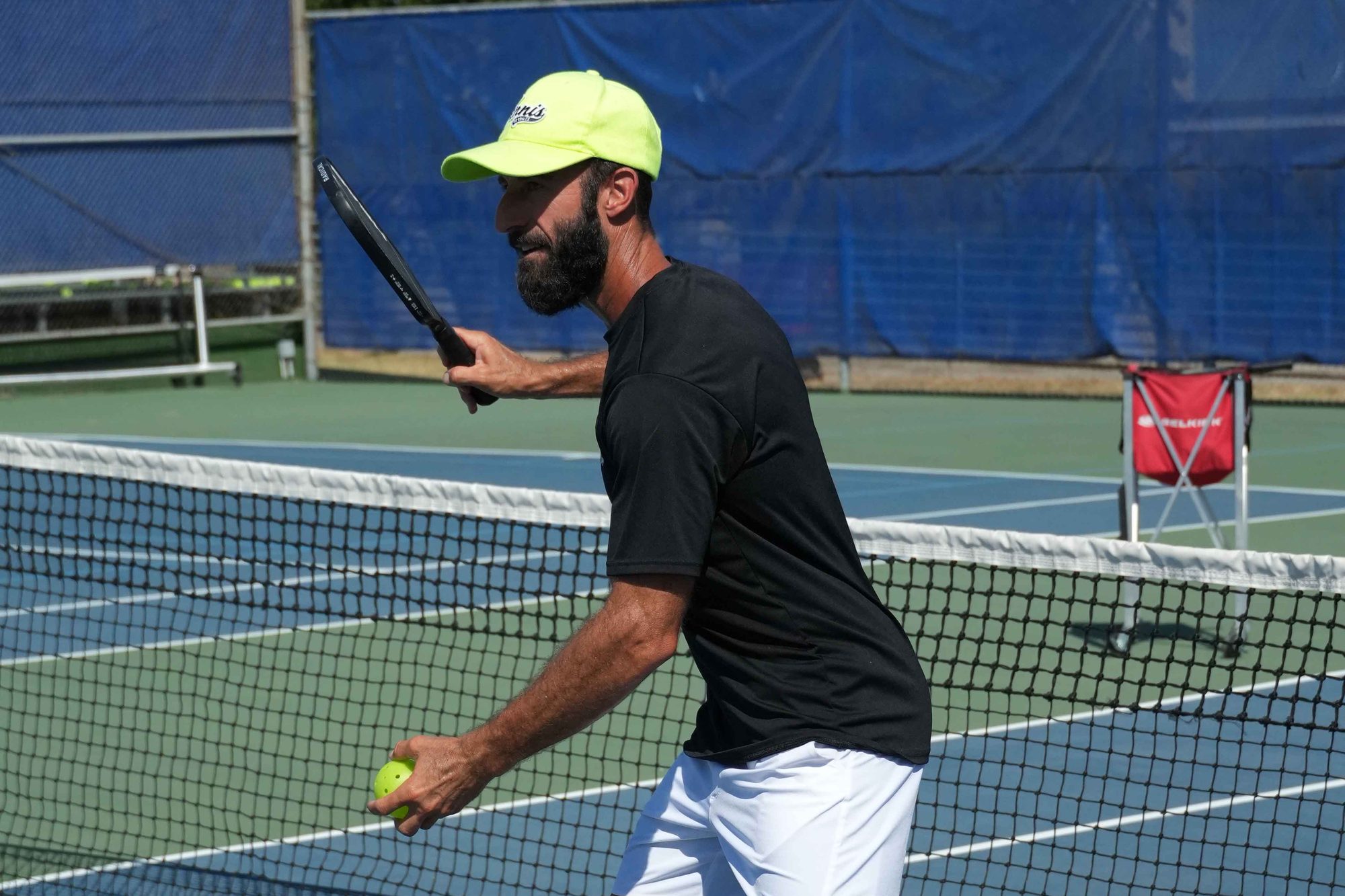
Reserve a Court
Ready to play? JCC members can reserve available tennis and pickleball courts for their own play through our online reservation system.
How to Reserve a Court
Tennis, pickleball, and basketball reservations all live in the same place in the Upace/My J App. All players check in at the Pro Shop before play.
Download it free for iPhone or Android and sign in with your member account.
On the home screen, choose Facility Reservations, then the court type you want.
Select an open court, your start time, and how long you want to play.
It changes to Reserved and you are set. Add it to your calendar or share it with a friend from the same screen.
Need help with app access or your membership? Email membership@jccdallas.org or call (214) 239-7138.
Not a member?
Court reservations are a member benefit. Members can bring you as a guest with the JCC guest pass fee, and drills, clinics, Community Play, leagues, and lessons are open to non-members at the non-member rate. Ready to reserve on your own? Compare memberships.
Become a MemberWeather Updates
Weather-related updates are shared through our Racquet Sports WhatsApp groups. Updates for the whole community are posted in the JCC Racquet Sports General Announcements group, and updates for a specific program, league, or group go to that group’s WhatsApp chat.
League and program priority
JCC leagues and Racquet Sports programming have priority over individual member reservations. We make every effort to honor existing reservations, but occasionally a reservation may need to be adjusted or canceled because of league or program scheduling changes. Courts may also be unavailable for maintenance or special events.
Reservation Policies
Booking window and duration
Members can reserve a court up to 7 days in advance. Booking opens at 8:00 AM each day, and reservations are for a maximum of 90 minutes. For example, courts for next Tuesday open at 8:00 AM this Tuesday.
How many courts can I hold?
Members may hold up to two court reservations within the one-week booking window.
Check-in
All players must check in at the Pro Shop before play.
No-show fee
A $20 no-show fee applies to reservations that are not used or cancelled. Cancel in the Upace app or by calling the Pro Shop at (214) 239 7154 as soon as you know you cannot make it.
Cancelling a court reservation
Cancel through the Upace app or by calling the Pro Shop at (214) 239 7154, as soon as possible so another player can use the court. Unused reservations that aren’t canceled are subject to a $20 no-show fee.
Who can reserve
Court reservations are a member benefit; non-members cannot reserve courts. Non-members are welcome at drills, clinics, Community Play, leagues, and lessons at the non-member rate, or as a member’s guest.
Guests
Members are welcome to bring a guest to play on their reservation. The JCC guest pass fee applies. Guests check in at the front desk.
League and program priority
JCC leagues and Racquet Sports programming have priority over individual member reservations. We make every effort to honor existing reservations, but occasionally a reservation may need to be adjusted or canceled because of league or program scheduling changes. Courts may also be unavailable for maintenance or special events.
Court etiquette
Help us create a great experience for everyone by arriving on time, respecting your scheduled reservation, wearing appropriate court attire, and leaving the court ready for the next players. Good sportsmanship is always expected.
Lesson, clinic, and event cancellations
Cancellations must be made at least 24 hours in advance of a scheduled lesson, clinic, or event. Late cancellations (less than 24 hours notice) are not refunded or transferred.
Where the courts are
Tennis courts and four outdoor pickleball courts (lined on two shared tennis courts) are at the Zahler Funk Tennis Facility; indoor pickleball courts are set up in the Donsky Gym. Check in at the Tennis Pro Shop. The campus address is 7900 Northaven Rd, Dallas, TX 75230.
Ball Machine Rentals
To use the ball machine, reserve a court through Upace and request the machine when you check in at the Pro Shop. Unless the Pro Shop attendant has already set it on your court, pick up the ball machine from the shed and return it there after use. Please return all balls to the machine when you’re finished, and report any maintenance concerns to the Racquet Sports staff.
| Duration | Members |
|---|---|
| 30 minutes | $18 |
| 60 minutes | $24 |
Members only: ball machine rentals are a J member benefit.
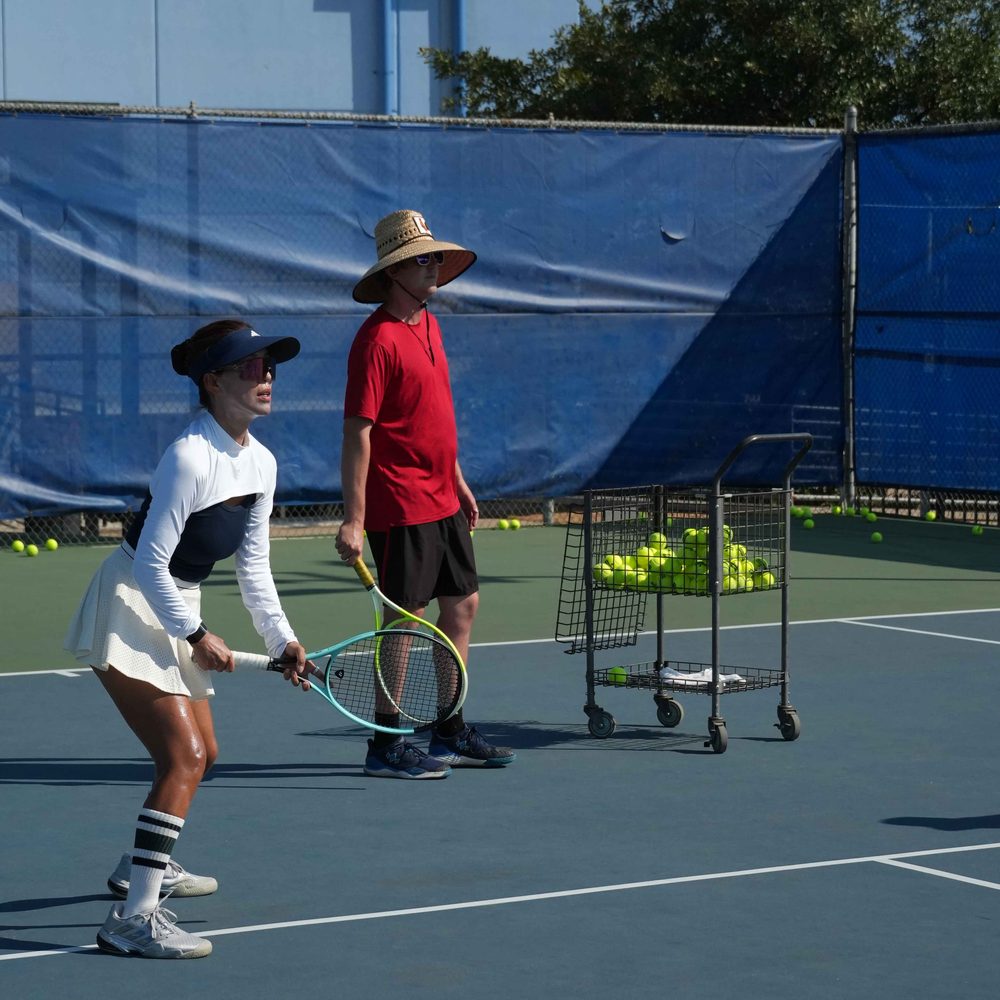
Pro Shop Hours and Contact
Court questions, lessons, restringing, and the ball machine all go through the pro shop.
| Monday to Thursday | 8 am to 9 pm |
| Friday to Sunday | 8 am to 6 pm |
Holiday hours follow the campus holiday schedule.
Stay Connected to Racquet Sports
Get program updates, court and weather information, upcoming events, and more through our Racquet Sports WhatsApp community.
Court Time Is a Tap Away
JCC members can reserve tennis and pickleball courts for their own play through the Upace/My J App.
Racquet Sports at The J
Zahler Funk Tennis Facility, Aaron Family JCC of Dallas. Eight LED-lit tennis courts, outdoor and indoor pickleball courts, and a pro shop open seven days a week.
Join WhatsApp